
Project07 Characters
A polished, cinematic multicharacter system for FiveM
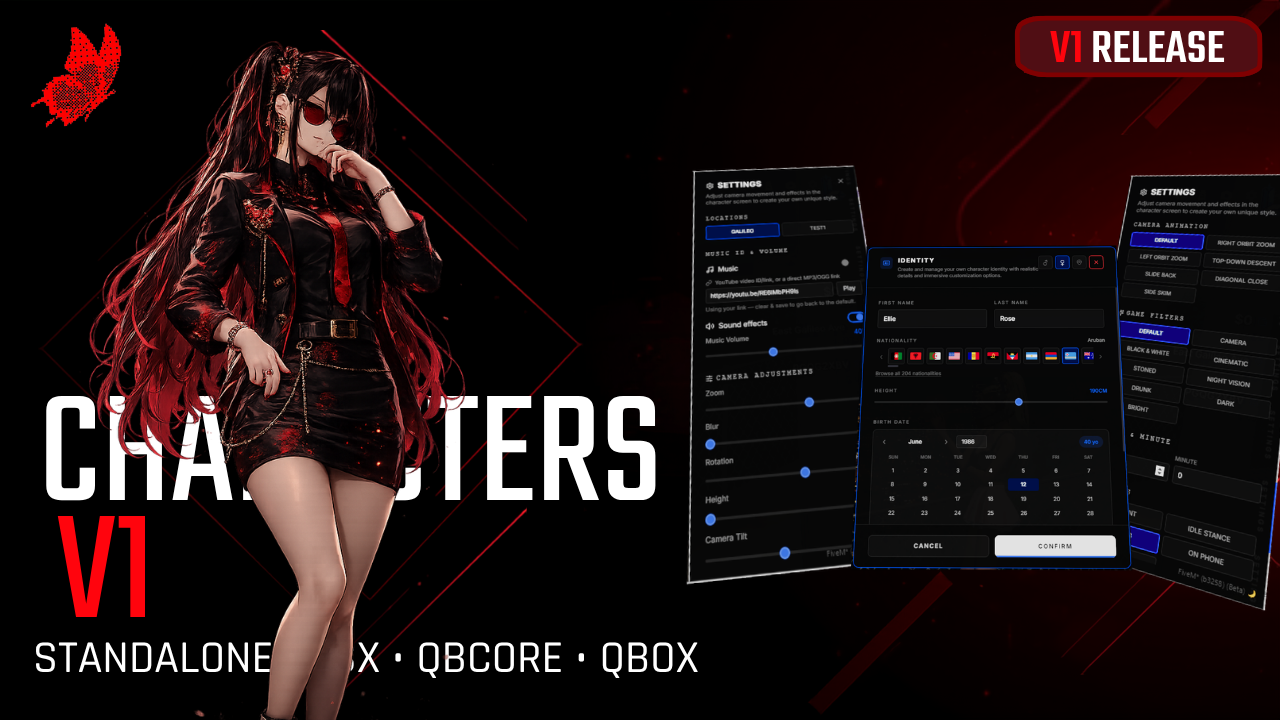
Give your players a modern character-selection experience built for serious roleplay servers. Project07 Characters combines a clean NUI, cinematic preview scenes, flexible integrations, and practical administration tools in one resource.
Highlights
Supports QBX, QB-Core, and ESX
Automatic framework detection, with manual configuration available
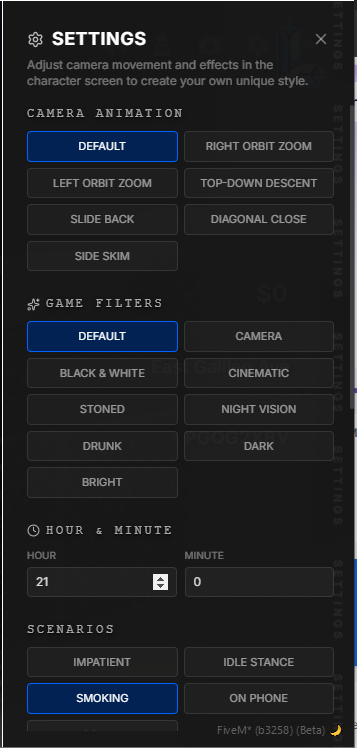
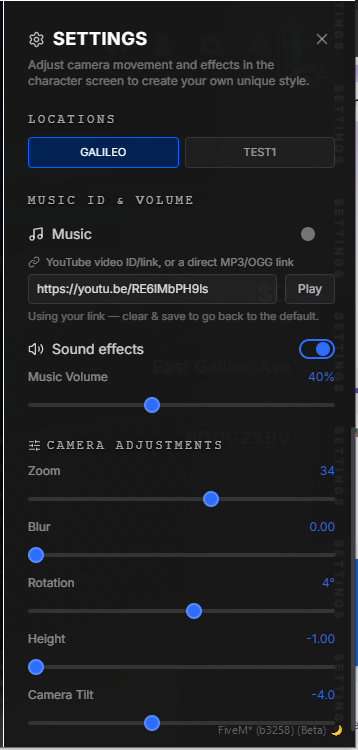
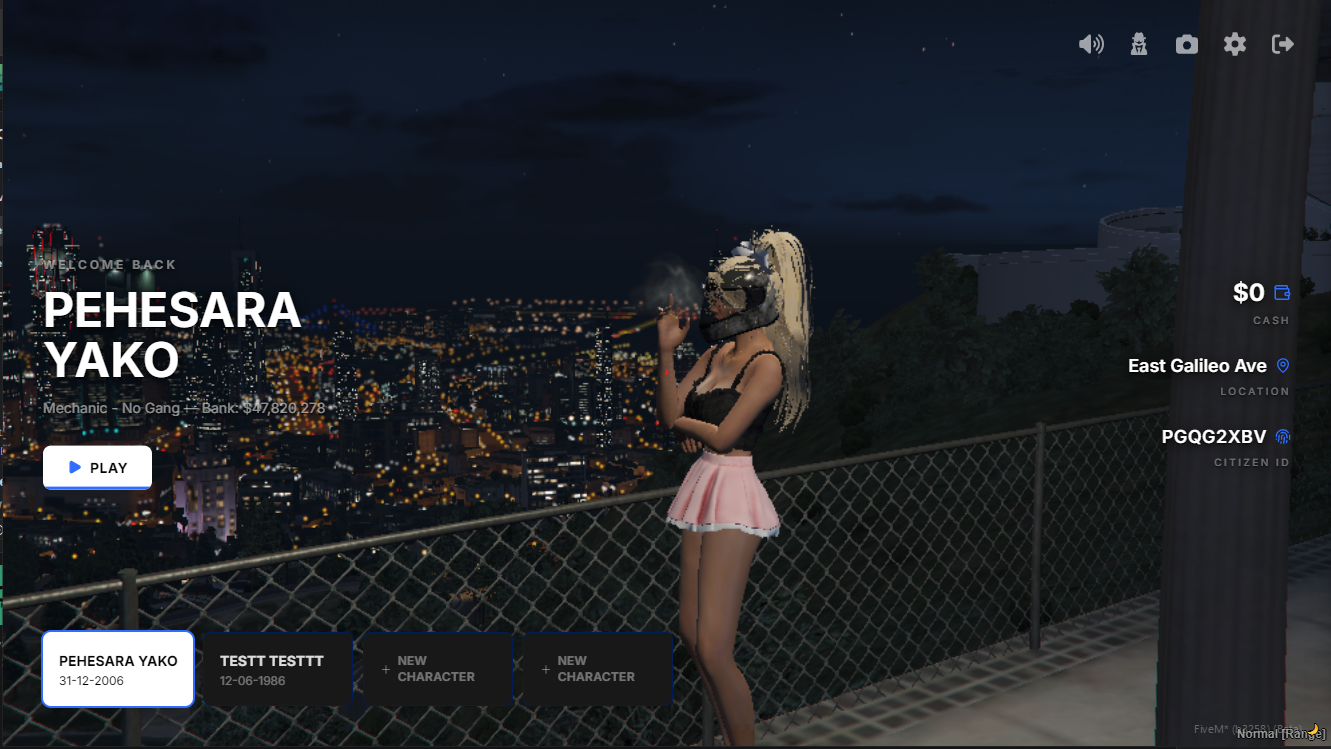
Cinematic character previews with configurable scenes, camera framing, weather, and filters
Random preview locations or ensemble preview mode
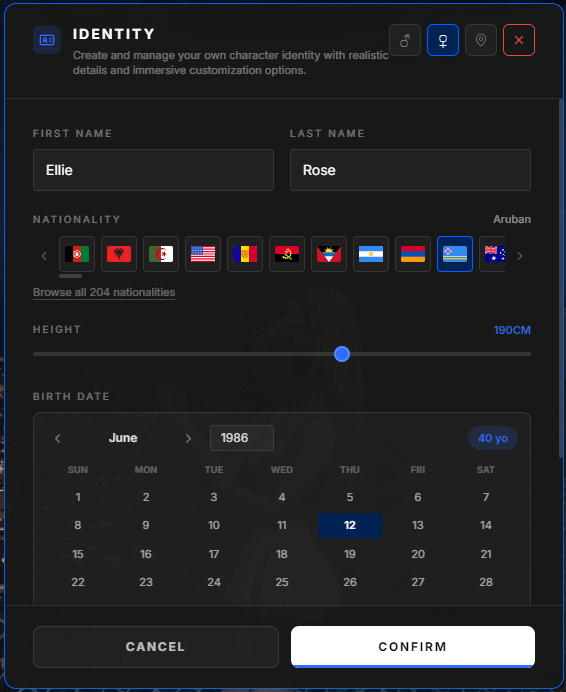
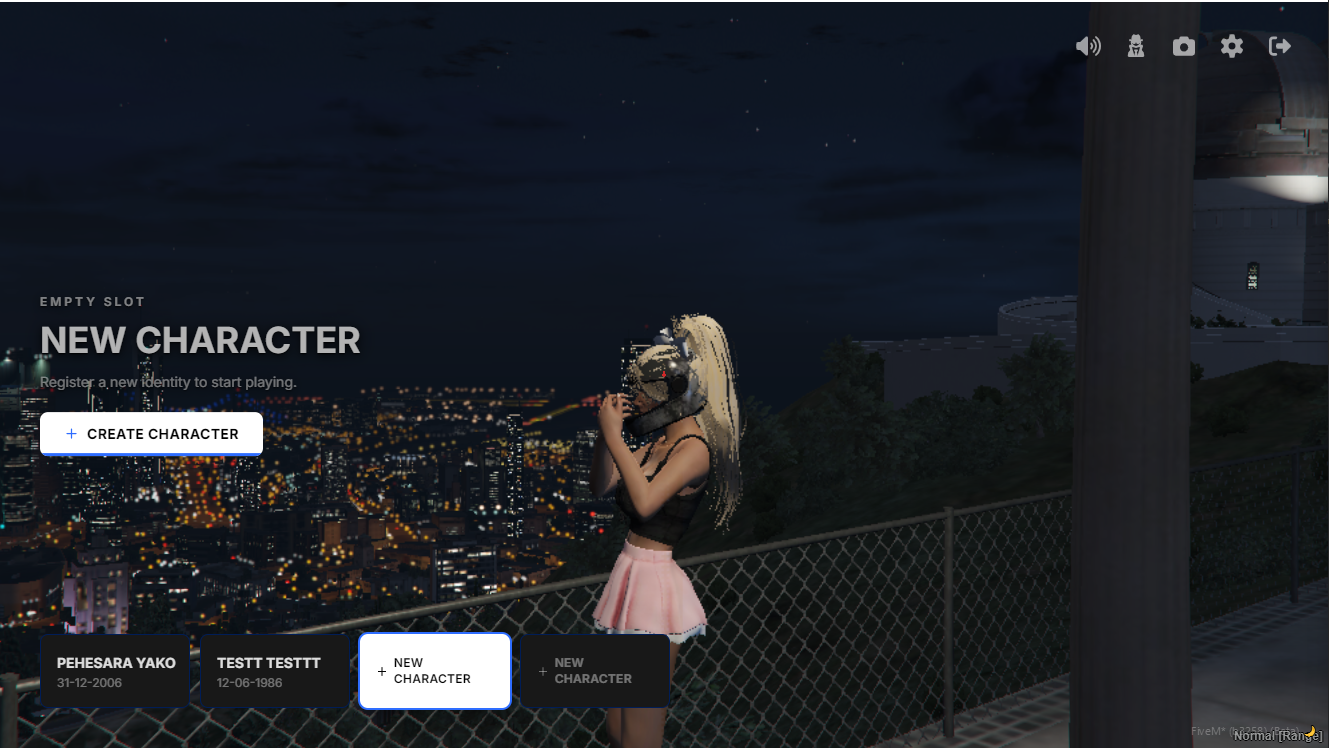
Create, select, switch, and manage multiple characters from one interface
Configurable character slots, including runtime slot grants for individual * players
Optional character deletion with configurable cascade cleanup for related data
Automatic starting-apartment flow for supported housing resources
Starter items through supported inventory systems
Automatic appearance integration with popular clothing and appearance resources
Automatic spawn integration with popular spawn selectors
Admin tablet with character browsing, slot management, character deletion, and theme controls
Optional admin-captured preview locations
Multiple full UI theme presets plus custom color overrides
Custom server branding, logo, welcome screen, background, about text, and credits
Optional welcome music and sound effects
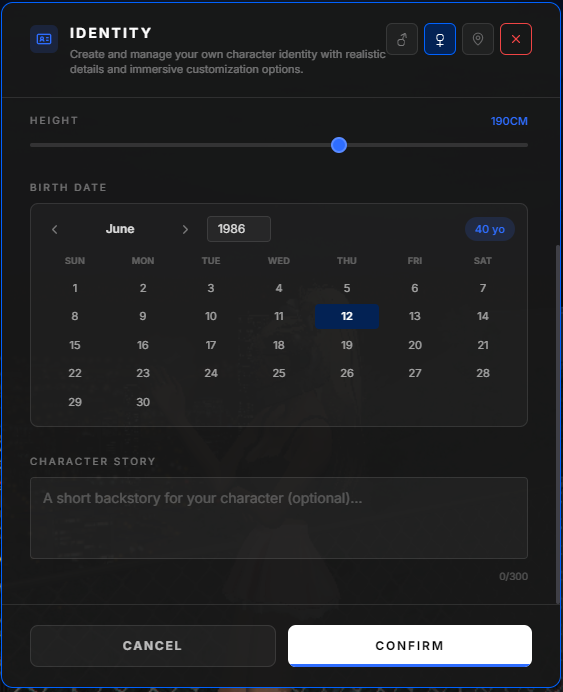
Character validation for names, height, birth year, and backstory
Configurable name filter
Server-side ownership checks and anti-exploit callback protection
Webhook logging for character creation, login, logout, deletion, and exploit attempts
Automatic database migration, or manual SQL setup if preferred
Configurable HUD hiding while the character screen is open
Supported integrations
Frameworks:
QBX (`qbx_core`)
QB-Core (`qb-core`)
ESX (`es_extended`)
Housing and apartments include automatic detection for resources such as `qbx_properties`, `qbx_apartments`, `qb-apartments`, `qb-houses`, `qs-housing`, `ps-housing`, `bcs_housing`, `0r-apartment`, and `esx_property`.
The resource also supports automatic detection for popular inventory, appearance, and spawn resources. All integration priorities can be changed in config/config.lua.
Admin tools
The /charadmin panel lets authorized staff:
Browse characters stored on the server
Grant or remove character slots
Delete characters with cascade cleanup enabled by configuration
Change or reset the UI theme
Manage preview locations when the locations tab is enabled
Review recorded admin actions
Additional commands:
/addcharslot [player id]
/logout
/logout [player id]
Admin actions use the `project07.character` ACE permission.